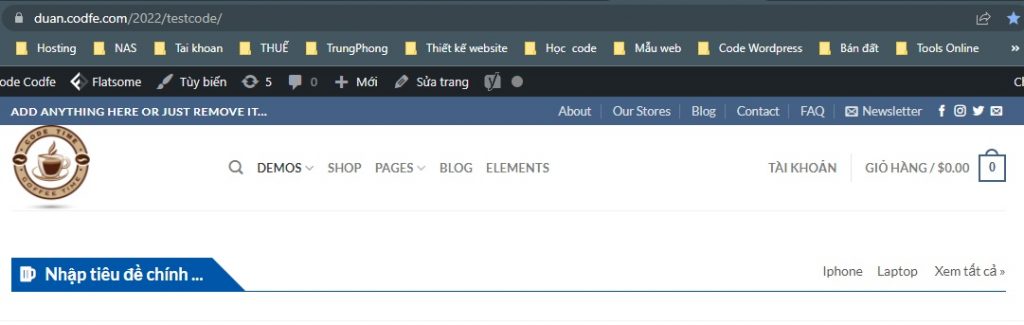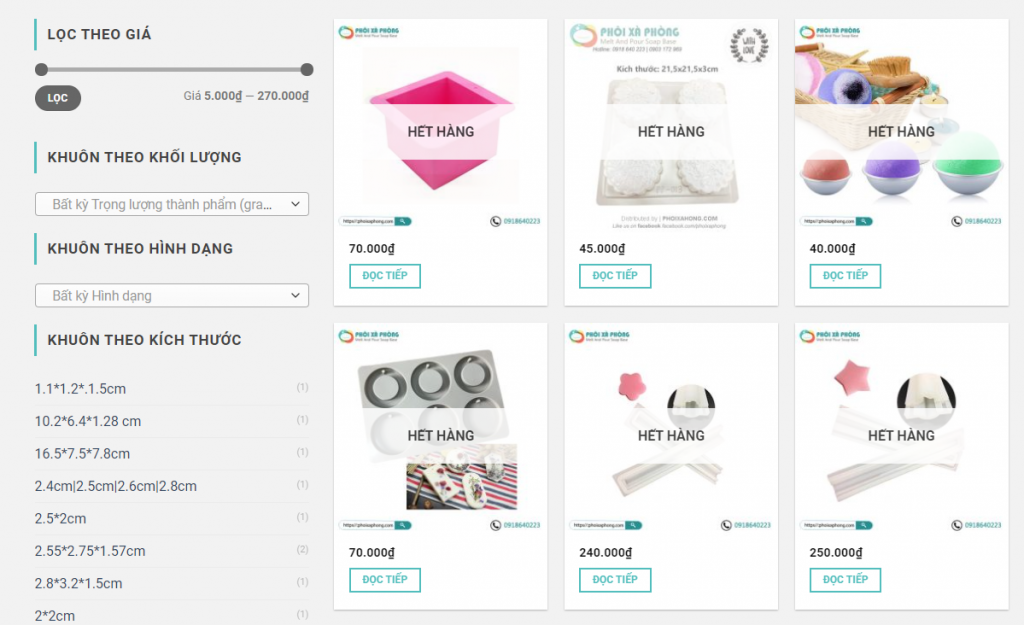
Woocommerce phiên bản mới hiển thị thanh menu trong admin wordpress rất khó chịu. Nếu bạn không muốn thanh menu này che khuất tầm nhìn để bạn tiện dụng hơn trong thao tác thì thêm đoạn code sau vào function.php nhé:
|
1 2 3 4 5 6 7 8 9 10 11 12 13 14 15 16 17 18 19 |
/** Xóa menu woo */ add_action('admin_head', 'Codfe_Hide_WooCommerce_Breadcrumb'); function Codfe_Hide_WooCommerce_Breadcrumb() { echo '<style> .woocommerce-layout__header { display: none; } .woocommerce-layout__activity-panel-tabs { display: none; } .woocommerce-layout__header-breadcrumbs { display: none; } .woocommerce-embed-page .woocommerce-layout__primary{ display: none; } .woocommerce-embed-page #screen-meta, .woocommerce-embed-page #screen-meta-links{top:0;} </style>'; } |
Xem thêm các bài viết này luôn để đủ combo hoài niệm nhé 🙂
- Chuyển widget về giao diện cũ từ phiên bản WordPress 5.8
- Bỏ trình soạn thảo Gutenberg và dùng soạn thảo cũ
- Ẩn thanh menu của Woocommerce trong admin
Chúc các bạn thành công
Bài viết mới:
- Các cách truy xuất thông tin sản phẩm trong woocommece bằng code
- Hướng dẫn tối ưu hiệu suất truyền dữ liệu cho USB trên Windows 10
- Thêm .html vào đuôi sản phẩm trong wordpress
- [Code] show gallery sản phẩm ra trang danh mục của woocommerce
- Mã bưu chính (Zip Postal Code) của các bưu cục quận huyện TP HCM