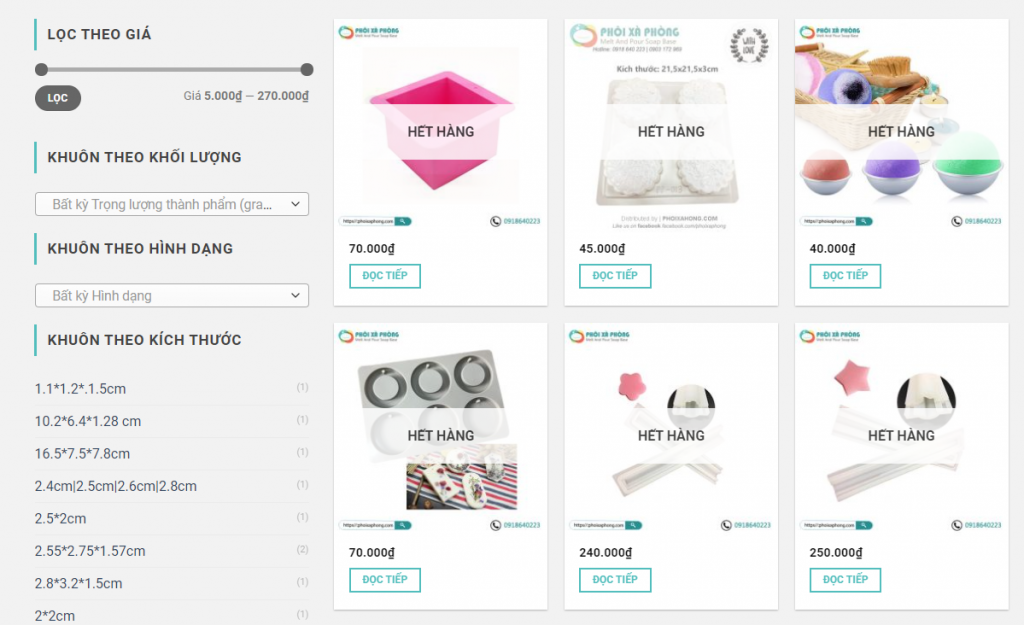
Cách loại bỏ các trường trong trang checkout trên WooCommerce nhanh gọn bằng cách thêm dòng code sau vào function.php nhé
Bỏ các trường trong trang thanh toán
Để tránh rối mắt và bỏ bớt các trường không cần thiết phải nhập trong woocommerce chúng ta dùng hàm sau:
|
1 2 3 4 5 6 7 8 |
/** codfe.com cách loại bỏ các trường trong trang check out woo**/ function codfe_theme_custom_woocommerce_checkout_fields( $fields ) { unset( $fields['billing']['billing_postcode'] ); unset($fields['shipping']['shipping_first_name']); return $fields; } add_filter( 'woocommerce_checkout_fields', 'codfe_theme_custom_woocommerce_checkout_fields' ); |
Sau đây là danh sách full các trường trong trang check out của woocommerce: woocommerce_checkout_fields:
|
1 2 3 4 5 6 7 8 9 10 11 12 13 14 15 16 17 18 19 20 21 22 23 24 25 26 27 28 29 30 31 32 33 34 35 36 37 38 39 |
/** * Billing Checkout Fields */ billing_first_name billing_last_name billing_company billing_address_1 billing_address_2 billing_city billing_postcode billing_country billing_state billing_email billing_phone /** * Shipping Checkout Fields */ shipping_first_name shipping_last_name shipping_company shipping_address_1 shipping_address_2 shipping_city shipping_postcode shipping_country shipping_state /** * Account Checkout Fields */ account_username account_password account_password-2 /** * Order Checkout Fields */ order_comments |
Các bạn không thích trường nào thì thêm vào hàm bên trên nhé.
Thêm chú thích hoặc thay đổi nhãn các trường trong trang thanh toán như ví dụ sau:
|
1 2 3 4 5 6 |
add_filter( 'woocommerce_checkout_fields' , 'override_billing_checkout_fields', 20, 1 ); function override_billing_checkout_fields( $fields ) { $fields['billing']['billing_first_name']['placeholder'] = 'Họ và tên'; $fields['billing']['billing_first_name']['label'] = 'New label'; return $fields; } |
Bỏ bắt buột đối với các trường trong trang checkout woocommerce
|
1 2 3 4 5 6 |
add_filter( 'woocommerce_checkout_fields', 'codfe_required_woo_checkout_fields' ); function codfe_required_woo_checkout_fields( $fields ) { $fields['billing']['billing_first_name']['required'] = false; return $fields; } |
Bài viết mới:
- Tạo menu riêng cho từng trang Flatsome
- Mã bưu chính (Zip Postal Code) của các bưu cục quận huyện TP HCM
- Cách tạo danh mục (table of content) cho mô tả danh mục bài viết và sản phẩm
- 6 thủ thuật hay với thanh Taskbar trên Windows 10
- Ẩn toàn bộ các phương thức shipping khác khi “free shipping” được kích hoạt trong woocommerce